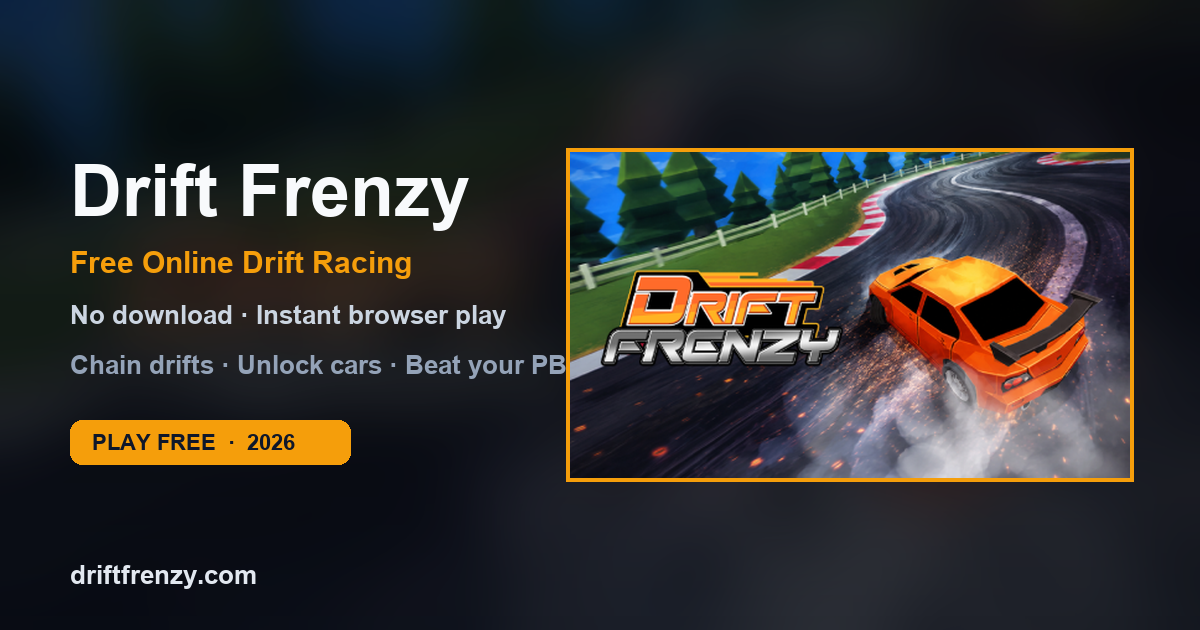
Drift Frenzy looks simple — two directions, endless corners — but control quality is what separates a 1,000-point run from a chain that keeps climbing. This page is the practical controls reference for desktop, Chromebook, and mobile browsers.
Default Controls (Desktop & Laptop)
- Left Arrow or A: turn / drift left
- Right Arrow or D: turn / drift right
There is no separate accelerate key in the core loop: your job is angle, release timing, and chain management. Hold a direction to slide; release to straighten and set up the next corner.
Keyboard Technique That Actually Improves Scores
1. Late entry, early release
New players turn too early and hold too long. Wait until the corner is committed, then hold hard for angle, then release before the car faces the wall. Most wall taps are late-release problems, not “bad tracks.”
2. Tap for micro-adjustments
On long sweepers, continuous holding often over-rotates. Short taps let you keep the slide without locking into a wall line.
3. One hand, one job
If you are comfortable, use one hand for A/D and keep the other free for fullscreen / page interactions. Consistency beats fancy finger gymnastics.
Chromebook Tips
Drift Frenzy is a strong Chromebook title because it is browser-native. For best results:
- Use an external keyboard when possible — key travel and layout consistency help rhythm.
- Close heavy tabs before long sessions; WebGL games benefit from free memory.
- Use fullscreen on the game frame so browser chrome does not steal focus.
- If school filtering is an issue, open the direct game page URL rather than a blocked directory site.
Mobile & Touch Reality Check
You can often open Drift Frenzy on a phone browser, but the experience is built around keyboard precision. Touch browsers may load the embed, yet fine drift timing is harder without physical keys.
- Best: desktop or laptop keyboard
- Playable: Chromebook / tablet with keyboard case
- Limited: pure touch phone play
If you are on mobile and want a better one-thumb alternative in the same genre, try Drift Boss (one-button) or browse our full free games list.
Fullscreen, Focus, and Input Lag
- Click the game area once before a serious run so keyboard focus is inside the embed.
- Use the on-page Fullscreen button for fewer distractions.
- Disable browser zoom anomalies (aim for 100% zoom) if steering feels delayed.
- Wired keyboards and stable Wi-Fi reduce “I pressed it but it didn’t register” moments on remote embeds.
Practice Drill (10 Minutes)
- 3 runs focusing only on clean entries (ignore score).
- 3 runs focusing only on early releases (no wall taps).
- 3 runs combining both into 5+ chain attempts.
- 1 final run for personal best.
This drill builds muscle memory faster than spamming random attempts.
FAQ
Can I rebind keys? Most browser embeds use the default left/right scheme. If a host adds settings, they appear inside the game UI — the site shell does not override them.
Do gamepads work? Some browser builds may accept gamepad input depending on the embed host, but keyboard remains the supported baseline for this site’s guidance.
Why does my car keep hitting the inside wall? You are usually holding the drift past the apex. Practice releasing one beat earlier.
Play Drift Frenzy now · Advanced tips · Beginner walkthrough